
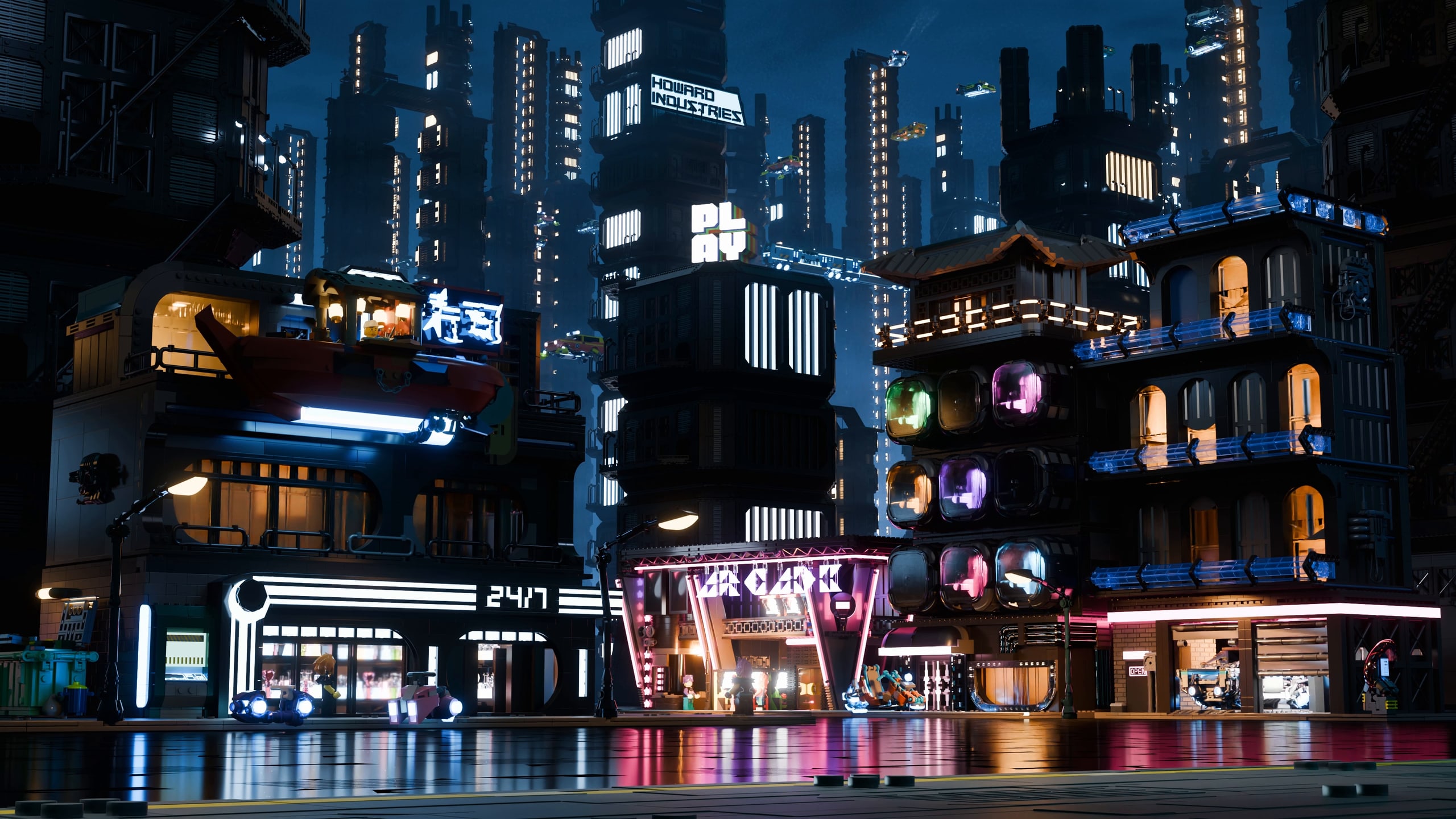
We are fascinated by cyber-city worlds and enjoy building hover cars. So we decided to bring our own cyber city to life using bricks.
Over a few weeks, we developed the buildings, vehicles and street life, then brought them together in Blender as an animated vignette.
Building the world
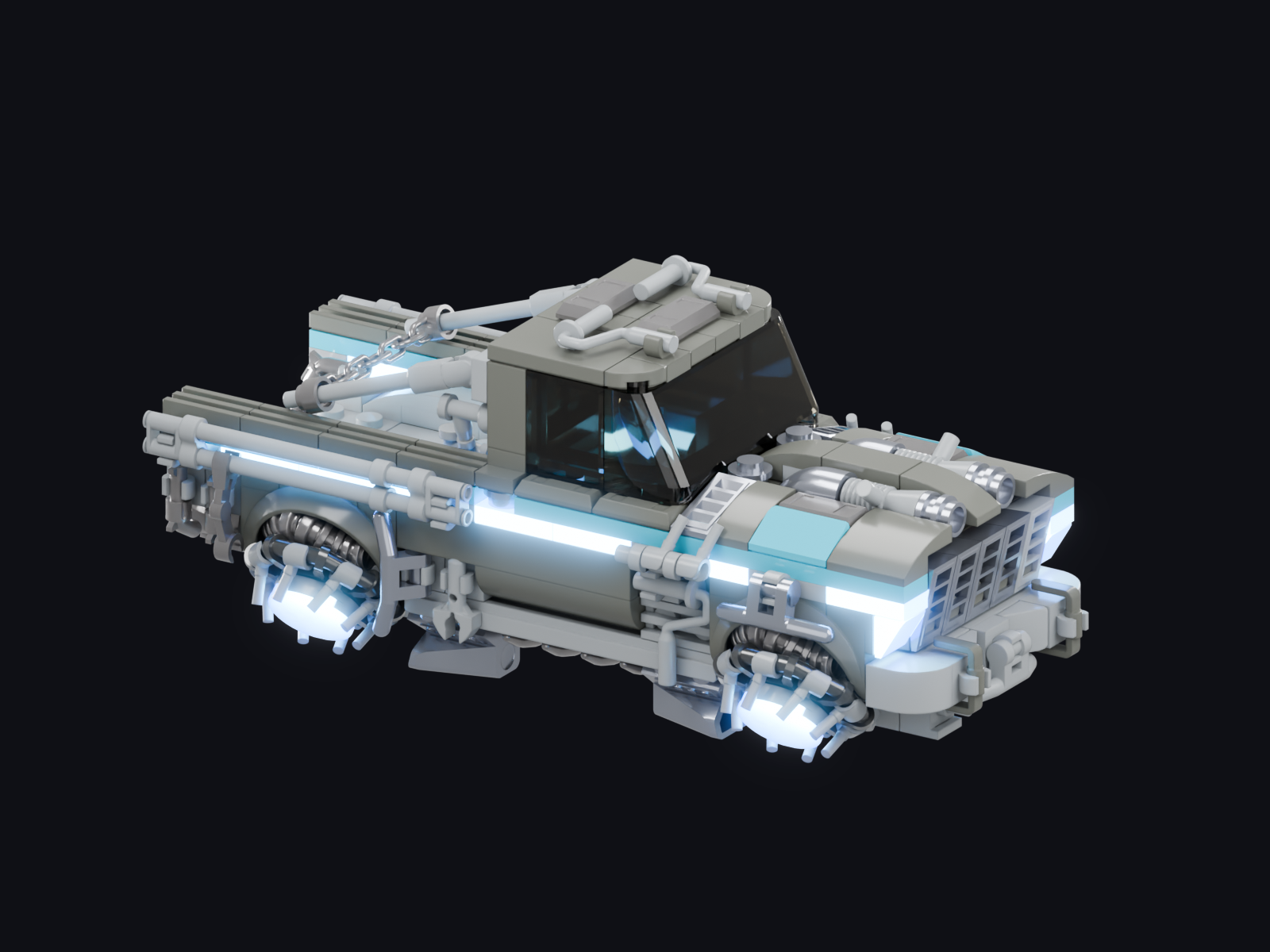
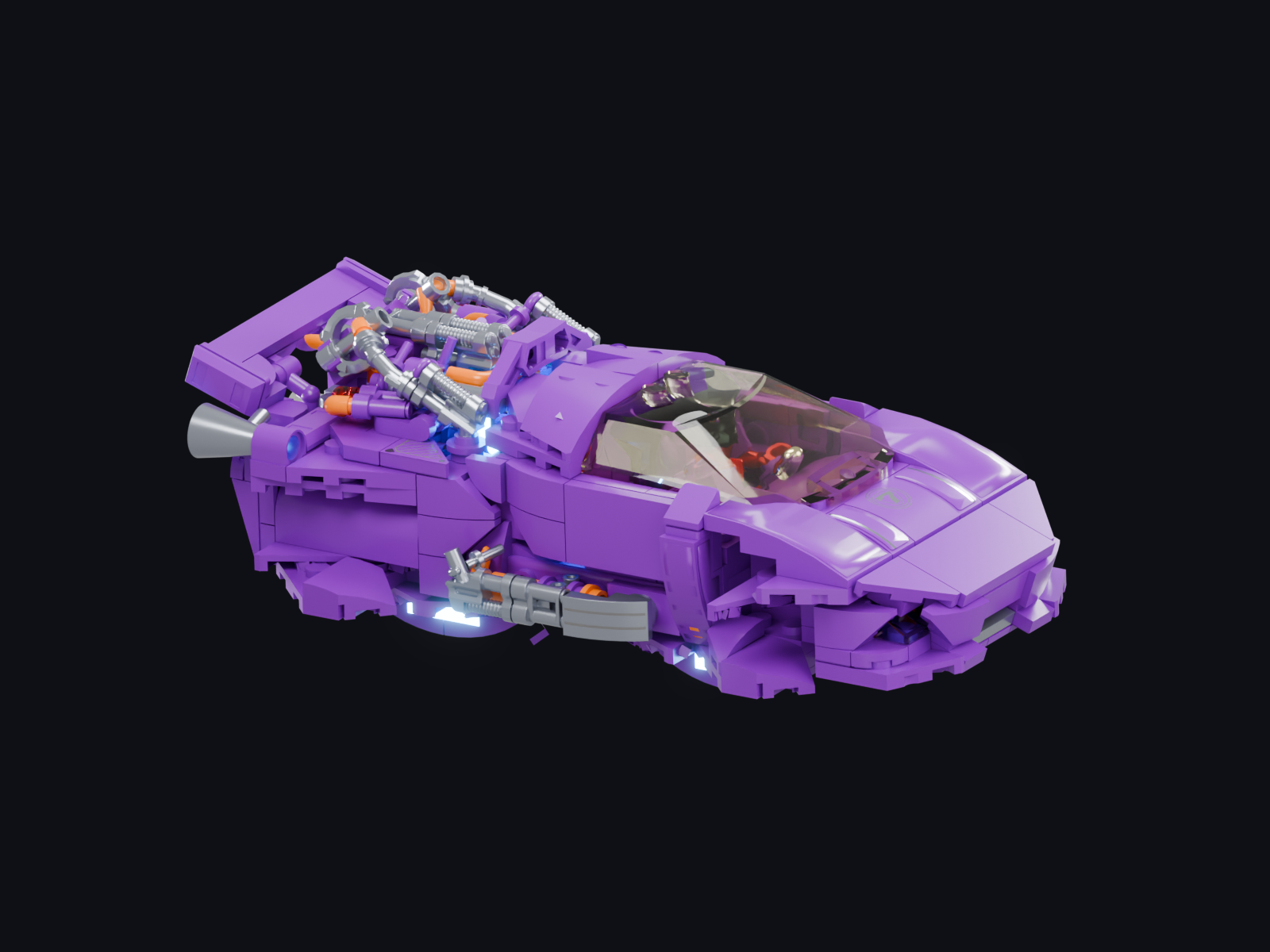
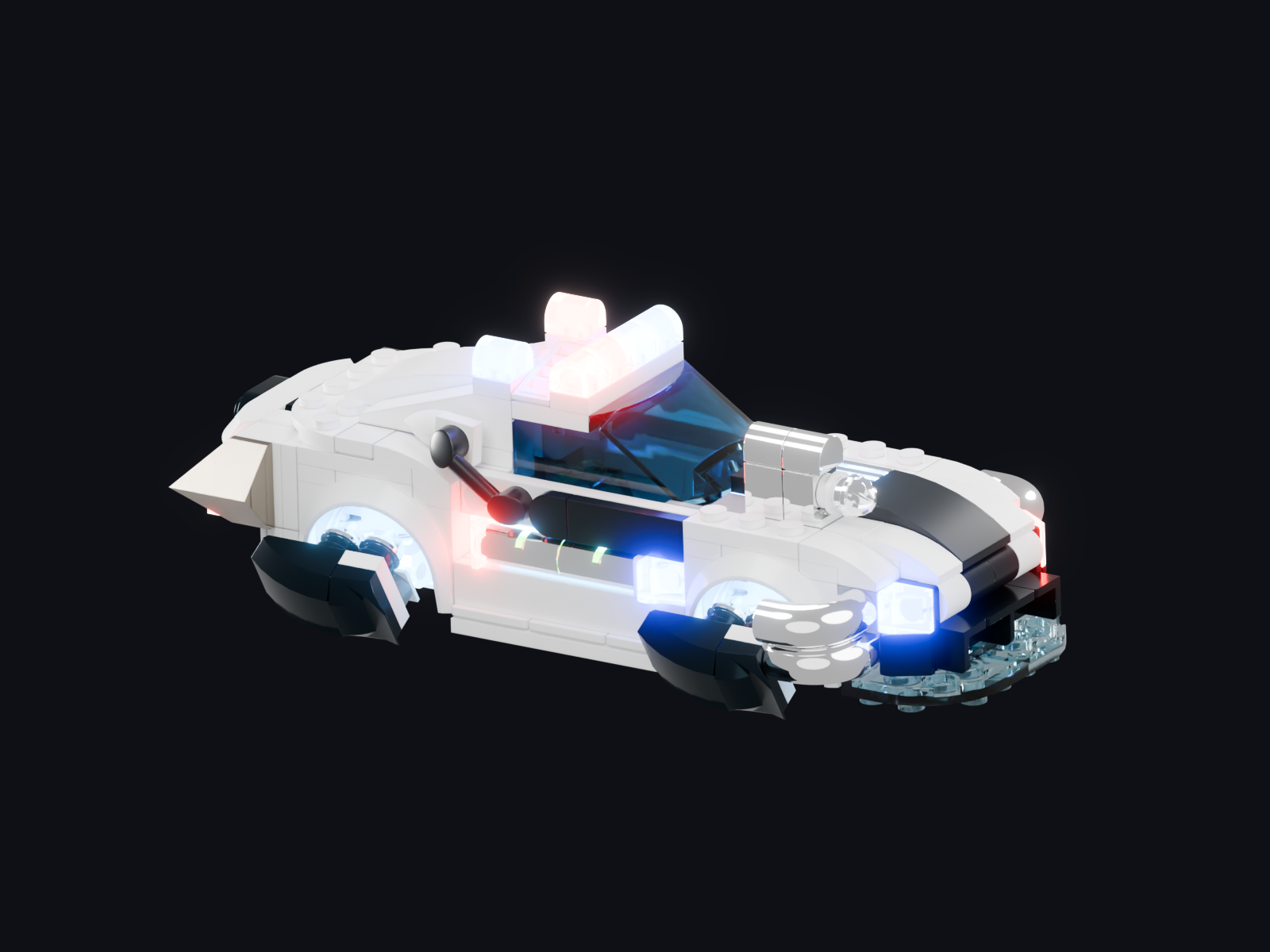
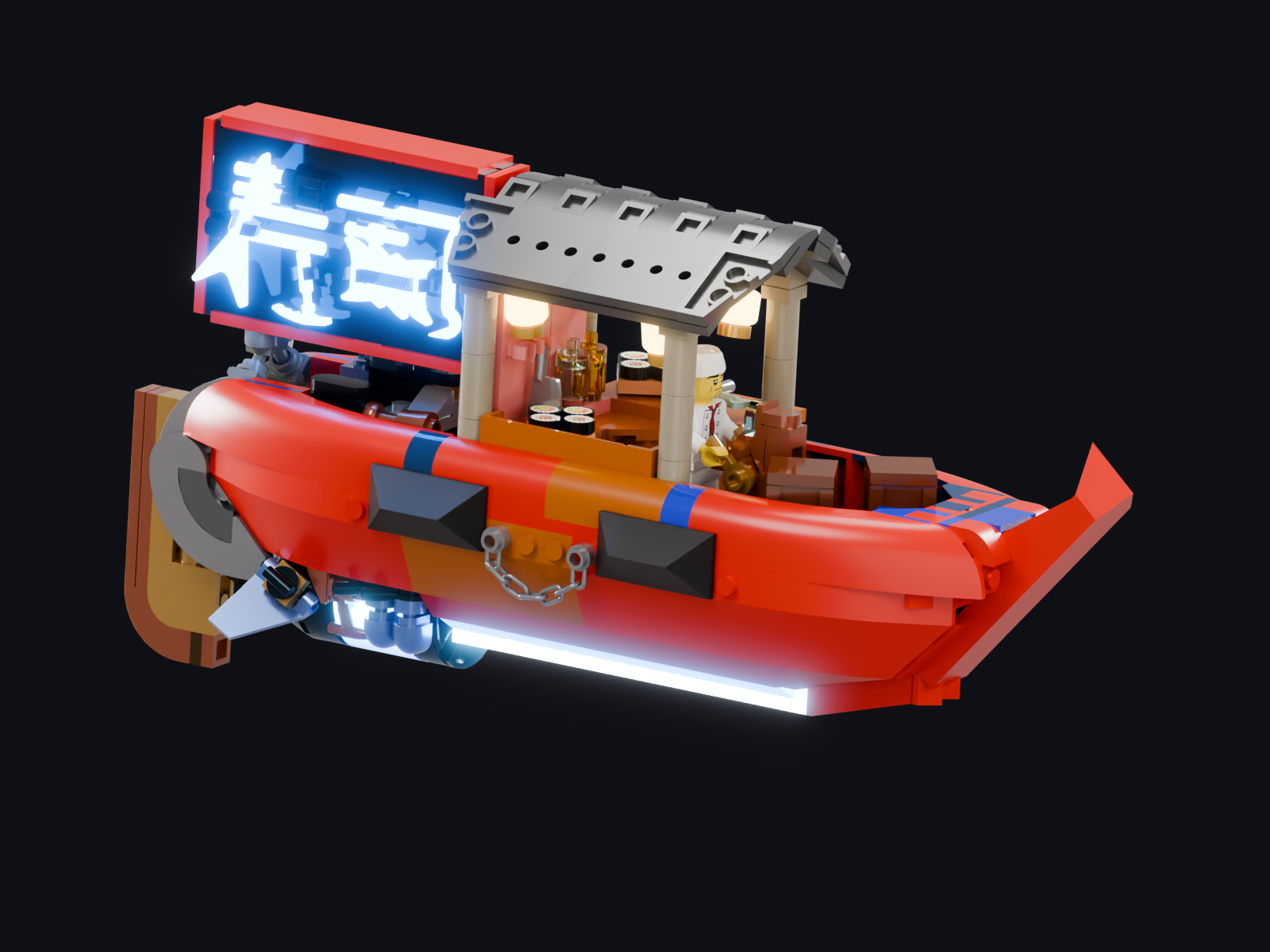
We designed the brick models in Stud.io: many vehicles from hover cars to a sushi barge and even a hover train, a few foreground buildings to set the scene and a number of modular buildings kits to populate a massive metropolis. Add some fun characters and the bustling cyber city is complete.
In Blender we set up the city with a layout, materials and lighting to get a moody sci fi vibe. Then we let the buildings in the city grow into a dense skyline using procedural techniques. Then we animated all the action from dense overhead traffic, to characters hanging out on street level and of course the car chase.
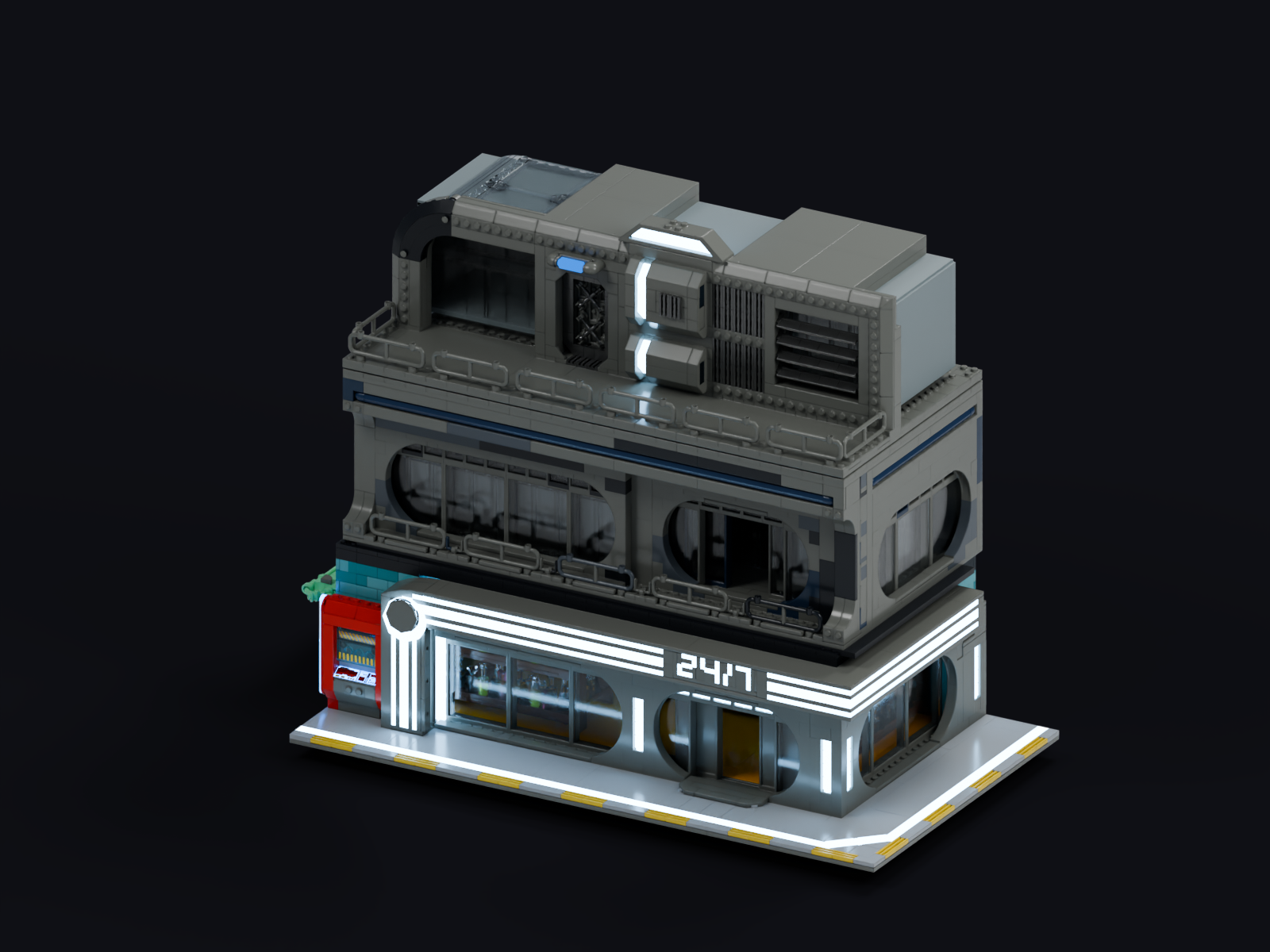
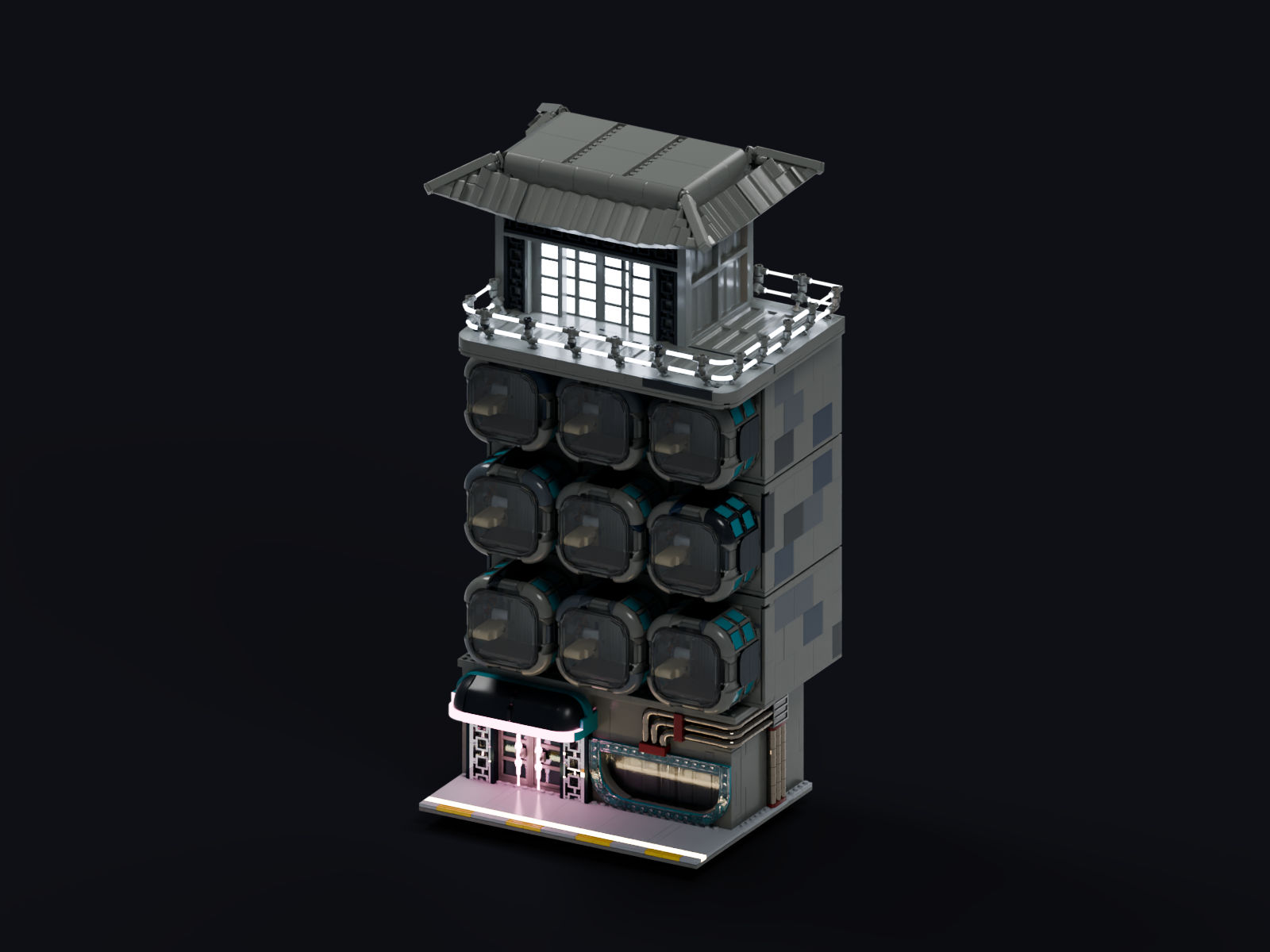
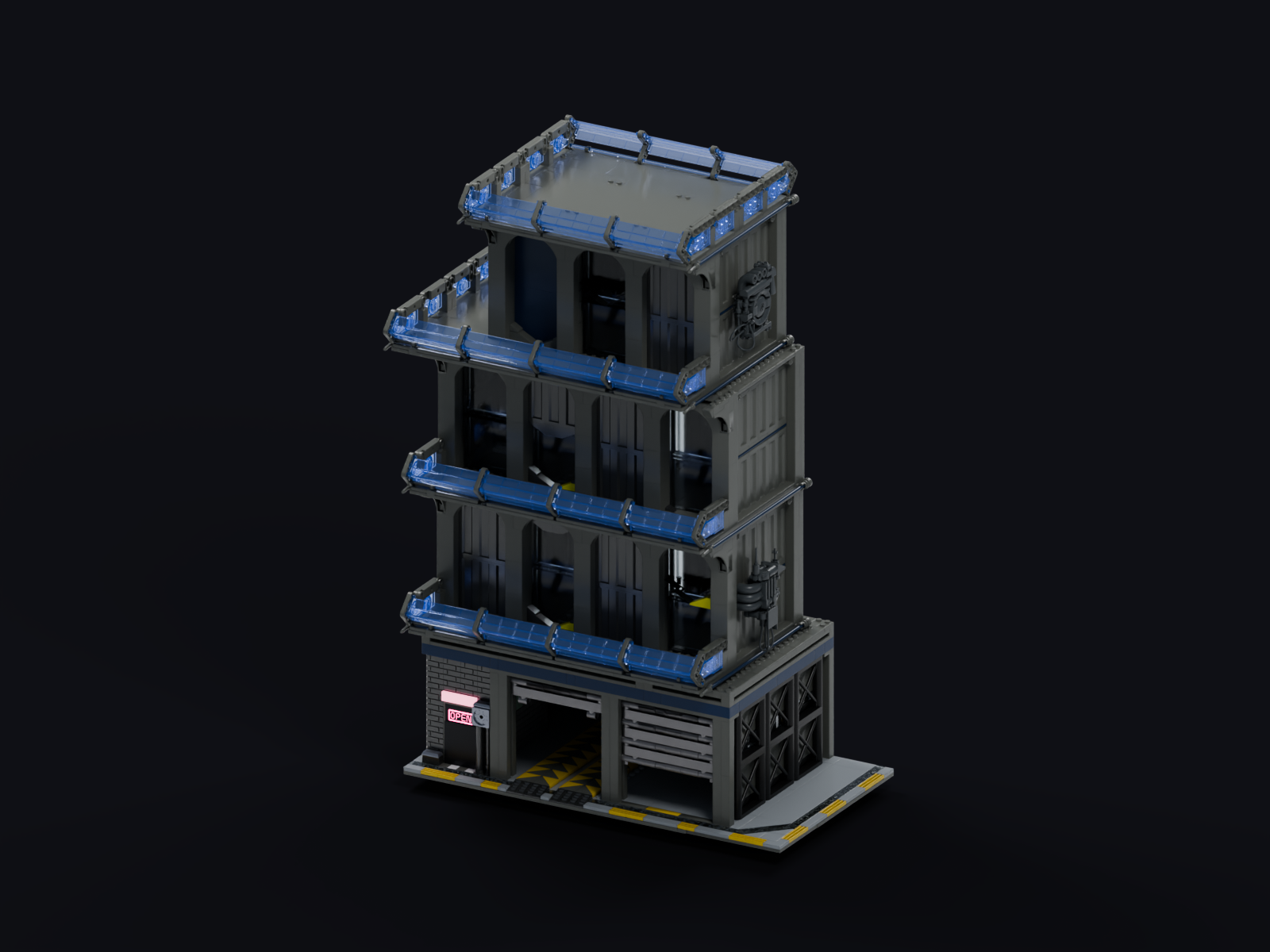
A skyline made from a kit
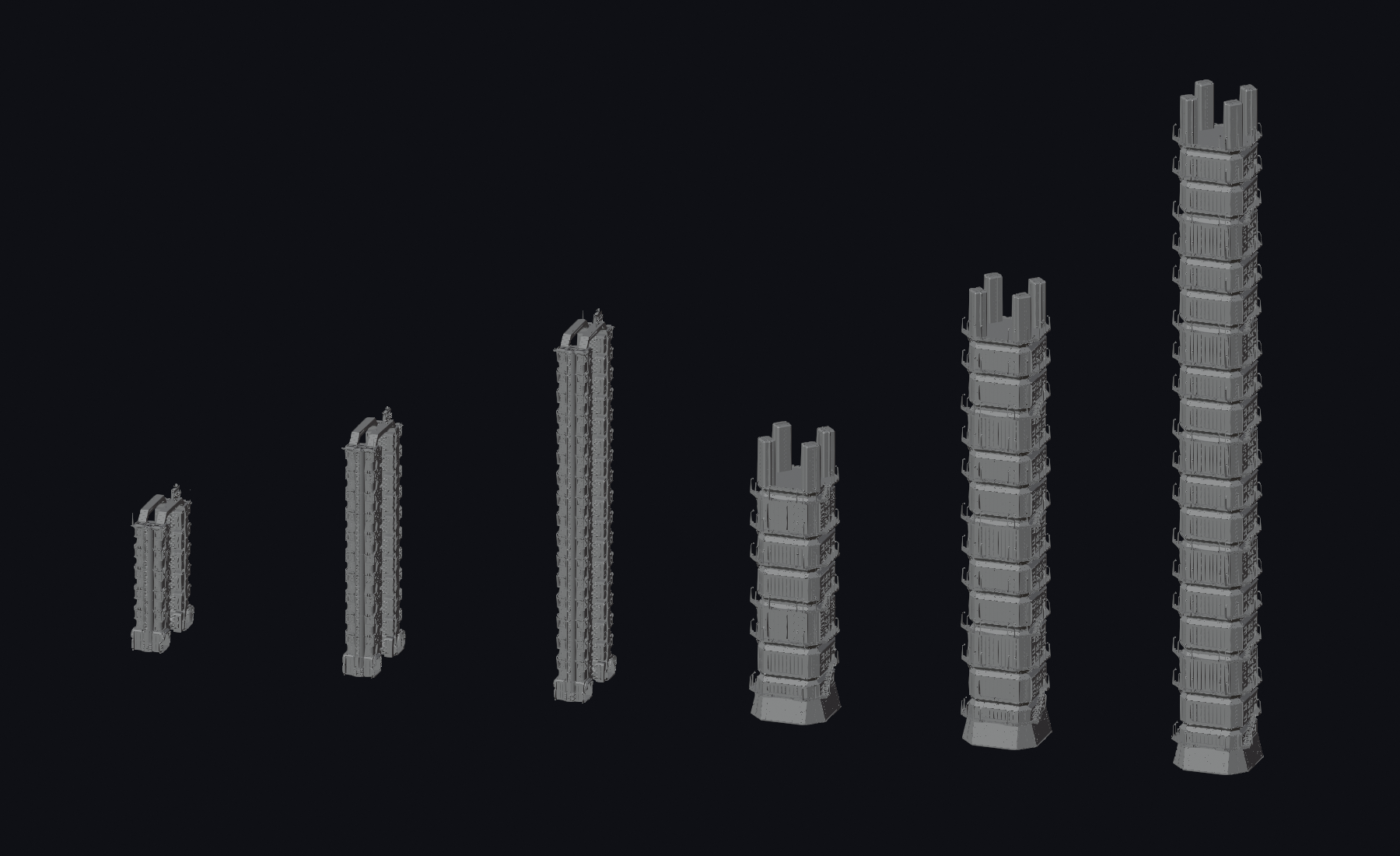
The backdrop uses modular building systems. Bases, repeatable floors and roofs can be assembled at different heights, letting us change the skyline without designing every tower from scratch.
That made it practical to test the density and rhythm of the city, adjust buildings around the camera view, and leave room for the traffic. The grey breakdown shows the same building systems stacking up to their final heights.
Bringing the city to life
We gave the traffic different jobs and rhythms: vehicles passing through, a patrol cruiser taking a slow bend above the hotel, and a sushi barge arriving at the street. Small character actions add activity at ground level.
The idea is to give the viewer new details to look at when they let the vignette loop a few times.
Sound and music
We created our own soundscape in Ableton Live, using synths and effects, and blended it with generated sounds and music.
Getting the right results needed this more self-crafted approach. The timing and vibe had to be created this way to reach the quality level we wanted.
The result
A reusable set of models, a city layout and a finished vignette you can watch over and over. The same approach can support a campaign, an animated sequence or a larger brick-built world.
